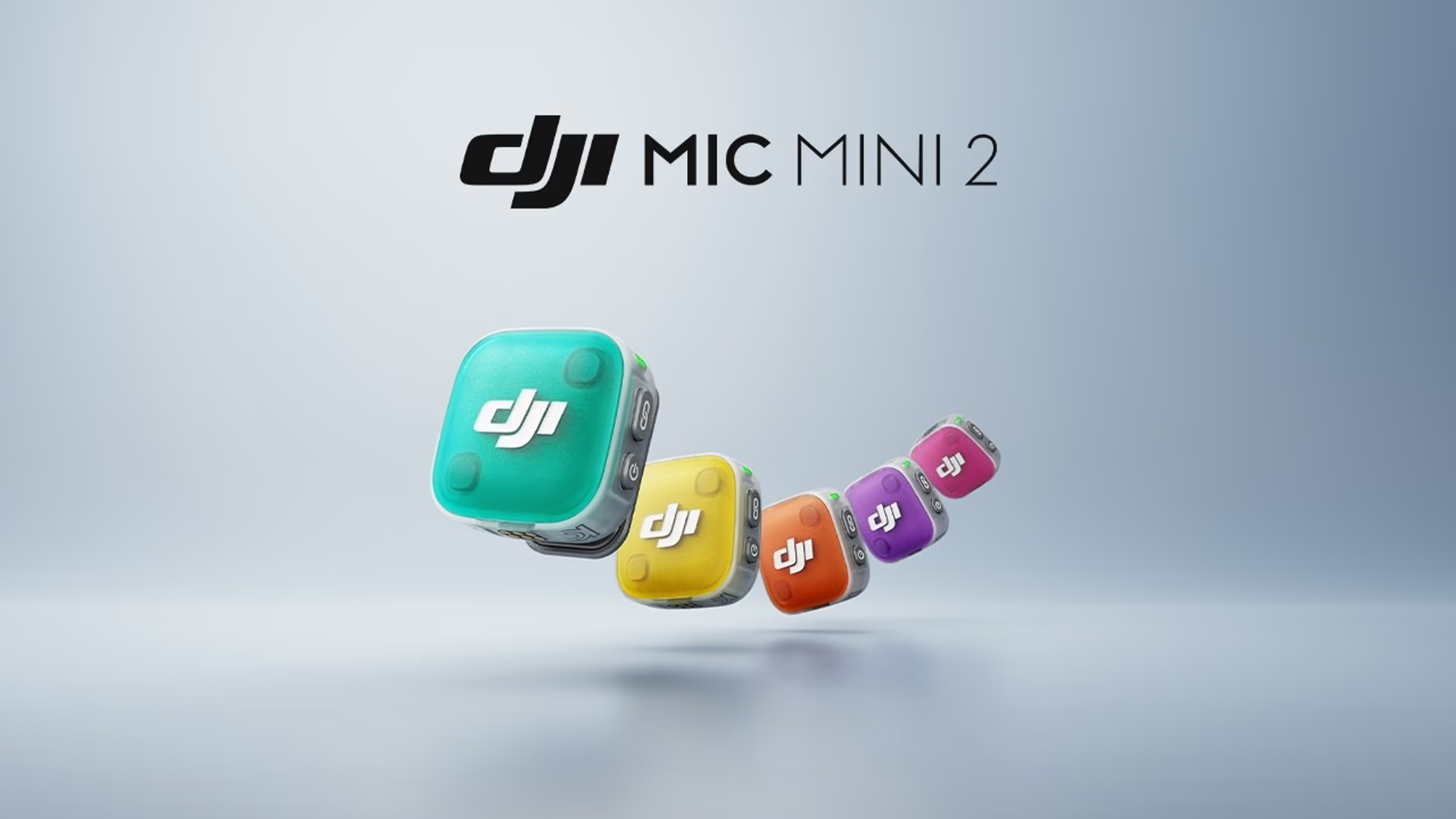

DJI Mic Mini 2 Review: A Compact Wireless Microphone Built for Creators
What the DJI Mic Mini 2 Offers
The DJI Mic Mini 2 is a small wireless microphone designed for people who create content in fast and unpredictable environments. You can use it for vlogging, interviews, outdoor shooting, or casual recordings. It focuses on speed, portability, and clear audio capture without complicated setup.
If you often record in public spaces, you already know how difficult it is to get clean audio. Traffic noise, wind, and background conversations can ruin a recording. This microphone tries to solve that problem with built-in features that reduce noise and keep your voice clear.
Instant Setup and Connection
One of the most useful features is how quickly it connects. You turn it on and it pairs instantly. There is no waiting time and no manual syncing process in most cases.
This matters when you are capturing moments that cannot be repeated. For example:
- Street interviews where people are only available for a few seconds
- Live events where timing is critical
- Travel vlogs where you need to record quickly
You save time and reduce the chance of missing important audio.
Two-Level Noise Cancellation
The microphone includes two levels of noise control. You can switch between them depending on your environment.
- Low noise reduction: Keeps natural background sound while reducing minor distractions
- High noise reduction: Focuses strongly on voice and reduces surrounding noise
In a quiet room, you may not need strong filtering. But in a busy street, the higher setting becomes important. It helps your voice stay clear even when cars pass or people talk nearby.
Clear audio matters more than video quality in many cases. If viewers cannot understand you, they will stop watching.
Device Switching and Flexibility
You can connect the DJI Mic Mini 2 to different devices without a complicated process. This includes smartphones, cameras, and possibly tablets depending on your setup.
This flexibility helps if you use multiple devices in your workflow. For example:
- Record short videos on your phone for social media
- Switch to a camera for longer videos
- Use the same mic for both without reconfiguring everything
You reduce setup time and keep your workflow simple.
Fast Charging for Busy Schedules
The battery feature is designed for quick use. A short charge of about 5 minutes gives you roughly 1 hour of recording time.
This is useful when:
- You forget to charge before leaving
- You are between shoots
- You need a quick backup before recording
Instead of waiting a long time, you get enough power to continue working. This reduces downtime and keeps your schedule on track.
Multi-User Recording Made Simple
The microphone supports multiple users through a simple pairing process. This feature is useful when recording conversations, interviews, or group content.
Instead of setting up multiple recording systems, you can:
- Connect more than one microphone
- Record multiple voices at once
- Keep audio synchronized
This is especially useful for content like:
- Podcasts
- Panel discussions
- Two-person vlogs
Long-Range Transmission Stability
The DJI Mic Mini 2 is designed to maintain a stable connection over long distances. It can work across hundreds of meters in open areas.
This allows you to:
- Walk away from the camera while recording
- Film action scenes or movement-based content
- Maintain consistent audio without dropouts
For example, if you are filming a running sequence or a wide outdoor shot, you do not need to stay close to the camera. Your voice remains clear even as you move further away.
Voice Tone Presets
The microphone includes three preset voice modes. These help adjust how your voice sounds depending on the situation.
You can use these presets to:
- Make your voice sound clearer in noisy environments
- Adjust tone for indoor or outdoor recording
- Maintain consistent sound across different videos
This removes the need for heavy editing later. Instead of fixing audio in post-production, you capture better sound directly.
Real-World Use Cases
The DJI Mic Mini 2 is built for real usage scenarios. Here are a few practical examples where it fits well:
Vlogging in Public Spaces
You can walk through busy areas and still record clear speech. The noise control helps reduce distractions.
Fitness and Outdoor Content
If you are running, cycling, or moving a lot, the stable connection ensures your audio stays consistent.
Interviews and Conversations
You can connect multiple mics and record both sides clearly without complicated setups.
Travel Content
Small size and fast setup make it easy to carry and use anywhere.
Portability and Design
The microphone is compact and lightweight. You can carry it in your pocket or small bag without any issue.
This matters when you travel or move between locations. You do not want to carry heavy audio gear for simple recordings.
Its design allows it to blend into your setup without drawing attention. This is useful in public recording situations.
How It Compares to Typical Wireless Mics
Many wireless microphones require manual pairing, longer charging times, and more setup steps. The DJI Mic Mini 2 focuses on reducing these steps.
Here is how it stands out:
- Faster connection compared to manual pairing systems
- Quick charging for short-term use
- Built-in noise control without extra accessories
- Stable transmission over longer distances
These features are practical rather than technical. They focus on saving time and making recording easier.
Tips for Best Audio Results
Even with a good microphone, you should follow basic recording practices:
- Keep the mic close to your mouth
- Avoid strong wind when possible
- Test audio levels before recording
- Use the correct noise setting for your environment
These small steps improve your final output and reduce editing time.
When You Should Use This Microphone
This microphone works best if your workflow includes:
- Quick recording sessions
- Outdoor or public filming
- Multi-person audio recording
- Mobile content creation
If your work depends on speed and flexibility, this device fits well into your setup.
Example Recording Setup
A simple setup using the DJI Mic Mini 2 might look like this:
- Attach the mic to your shirt
- Connect the receiver to your phone or camera
- Turn on the device and confirm connection
- Select the appropriate noise level
- Start recording immediately
This process takes less than a minute in most cases, which is useful when timing matters.
Audio Quality in Different Environments
You will notice differences depending on where you record:
- Indoor: Clean and balanced sound with minimal noise
- Outdoor quiet areas: Natural voice with light background sound
- Busy streets: Clear voice with reduced background noise using higher settings
Choosing the right mode helps you get the best result without needing extra editing tools.