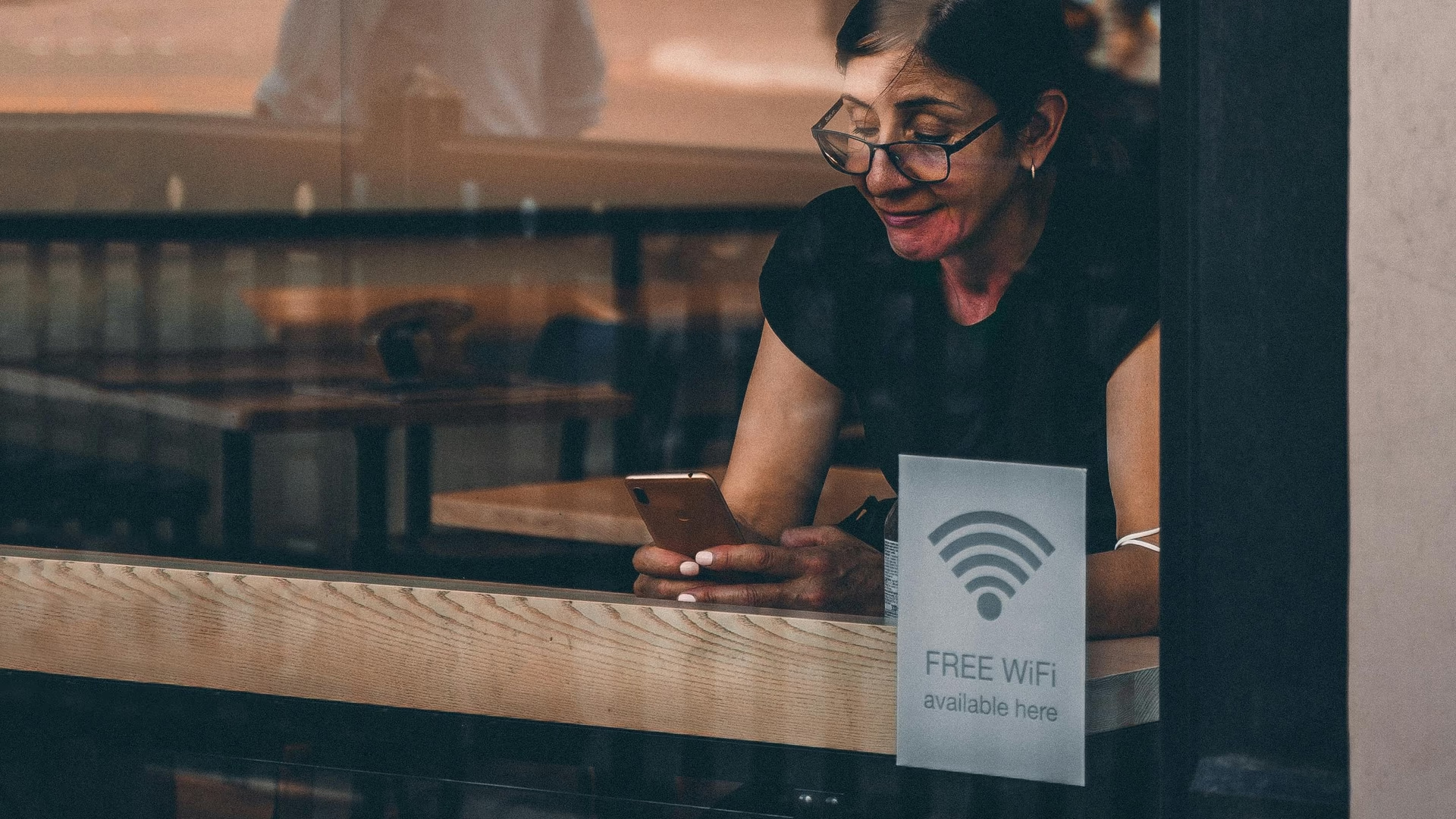

How Wi-Fi and Wireless Signals Actually Work
Wi-Fi is something people use every day, but most do not know how it actually works. When you connect your phone or laptop to Wi-Fi, you are not using cables. Instead, your device is using invisible radio waves to send and receive data.
These wireless signals carry information between your device and a router, which then connects you to the internet. The process happens very fast, often in milliseconds.
What Wi-Fi Really Is
Wi-Fi is a wireless communication system that uses radio waves. It allows devices to connect to a network without physical cables.
The term Wi-Fi does not stand for anything specific. It is simply a name used for wireless networking technology based on IEEE 802.11 standards.
Wi-Fi works in a specific range of radio frequencies, mainly 2.4 GHz and 5 GHz bands. These frequencies are strong enough to carry data through walls and open space but limited enough to avoid long-distance interference.
How Data Travels Through Wi-Fi
When you open a website or watch a video, your device sends data requests through Wi-Fi signals.
The process works like this:
- Your device converts data into digital signals
- These signals are sent as radio waves to the router
- The router sends the request to the internet
- Data is sent back to your router
- The router sends it back to your device as wireless signals
This entire process happens very quickly, which is why websites load in seconds.
Role of the Router
The router is the main device that controls Wi-Fi in your home or office. It acts as a bridge between your devices and the internet.
A router performs several tasks:
- Receives internet from your service provider
- Converts it into wireless signals
- Sends data to multiple devices at the same time
- Manages traffic between connected devices
Without a router, your devices cannot connect wirelessly to the internet.
Radio Waves and Frequency Bands
Wi-Fi uses radio waves to transmit data. These waves are part of the electromagnetic spectrum, the same system used by radio, television, and mobile networks.
Two main frequency bands are used in Wi-Fi systems:
- 2.4 GHz: Longer range, slower speed, better wall penetration
- 5 GHz: Faster speed, shorter range, weaker wall penetration
Some modern routers also use 6 GHz for faster and less crowded connections.
The choice of frequency affects speed and coverage inside buildings.
How Devices Receive Wi-Fi Signals
Your phone, laptop, or tablet has a wireless adapter built inside. This adapter allows it to send and receive radio signals.
When the device receives signals, it converts them back into readable data such as text, images, or video.
This process happens continuously while you browse, stream, or download files.
Signal Strength and Distance
Wi-Fi strength depends on distance and obstacles. The farther you are from the router, the weaker the signal becomes.
Common factors affecting signal strength include:
- Walls and physical barriers
- Distance from the router
- Other electronic devices causing interference
- Router placement inside the building
Thicker walls and metal objects can reduce signal quality significantly.
How Multiple Devices Share Wi-Fi
A single router can connect multiple devices at the same time. It manages data flow by dividing time and bandwidth between devices.
For example, if one person is streaming video and another is downloading files, the router balances the connection so both activities can continue.
This system is known as network traffic management.
Security of Wireless Networks
Wi-Fi networks use security systems to protect data. Without security, anyone nearby could access the network.
Common security types include:
- WPA2 encryption
- WPA3 encryption (newer and stronger)
These systems encrypt data so that only authorized devices can read it.
Passwords are used to control who can join the network and prevent unauthorized access.
Why Wi-Fi Speed Changes
Wi-Fi speed is not always constant. It changes based on several conditions.
Factors affecting speed include:
- Number of connected devices
- Distance from router
- Network congestion
- Internet service provider limits
Even if your Wi-Fi signal is strong, your internet speed can still be limited by your provider.
Difference Between Wi-Fi and Internet
Wi-Fi and internet are not the same thing. Wi-Fi is just the wireless connection inside your home or building.
The internet is the global network that connects millions of computers and servers worldwide.
Your router connects to the internet using cables from your service provider, then shares it wirelessly through Wi-Fi.
Where Wireless Technology Is Used
Wireless signals are not only used in home Wi-Fi. They are also used in many other systems.
- Mobile phone networks
- Bluetooth devices
- Satellite communication
- Smart home systems
All these systems rely on radio waves to transfer data without physical cables.
Wireless technology continues to expand as more devices become connected to the internet.